
When seeking RV technical information, it’s a good practice to provide as much detail as possible.
By Steve Froese, F276276
January 2021
As with most associations, FMCA exists for the benefit of its members. As a representative of the technical team at FMCA, I am honored that you trust us in your time of technical need, even if it is borne out of frustration. Some of you already have discovered that you can email us with your technical questions or issues, and you can even search and/or post on the FMCA Forums at https://community.fmca.com. The collective experience of many individuals can be found on the Forums, and you might be surprised by how much information actually exists on there! There is even a chance your exact question already has been answered. However, I do realize the Forums can be a daunting place. I also know the online world is challenging for many, and that email is the most technology some can manage.
If you have occasion to reach out to us, I urge you to consider the quality and quantity of the information you provide. Bear in mind that the person on the receiving end of your email does not have the luxury of standing in front of your unit and talking with you directly for clarification on issues. Therefore, it is especially important for you to provide as much quality information as you can so we have the best chance of helping you resolve your issue.
Consider a recent email from a member who asked the following question: “Need help connecting existing wiring in order to use our TVs.” It is my honor to assist this member with his or her problem, but some important information is missing.
When a question like this comes in via email, we have the option of following up with the author. However, this is much less efficient and more time consuming than obtaining all the required facts as part of the initial contact. Besides, FMCA still receives the occasional request by regular mail, which makes follow-up nearly impossible.
When I receive a request such as this, I dig deep into my experience as an RV technician, technical instructor, and engineer to extrapolate the missing data. While this specific question is not as vague as some we receive, there are still some missing pieces to the puzzle.
Televisions have at least two sets of wires that need to be connected: One is the power source, and the other is the input source(s). In this case, the author refers to “existing wiring,” so it certainly seems as though he or she wants to utilize the existing signal wiring within the RV to hook up multiple televisions within the unit. So, here we arrive at what I believe to be the core of the question: How does the author connect multiple televisions to his RV’s audiovisual wiring?
Without knowing the year, make, and model of RV, it is impossible to know what existing wiring the unit has. It’s also impossible to know what input sources and devices the author requires. Connecting televisions and other multimedia devices to an RV that doesn’t have them, but does have the hookups for them, is a common scenario for RV owners. If you are in the same boat, my response may help you install your entertainment system in your RV, regardless of what wiring already exists, since by necessity, I must be generic in my response.
If your RV is “prepped” for multimedia, it should have at least one AC receptacle installed in a suitable TV mounting location within the RV. Often the wall is “blocked”; that is, it has a piece of wood behind it to allow a television to be wall mounted. There should be a decal on the wall where the blocking exists, as well as a receptacle in the area. There also should be a wall plate with the available multimedia connectors. This can include a single coax connector, HDMI, RCA A/V (a set of three RCA inputs for audio L, audio R, and video), or twin coax connectors for satellite. There should also be another location(s) where a satellite receiver, Blu-ray player, or similar devices are meant to be installed. This likely would be a shelf in a cupboard or cabinet somewhere with similar wall plates. Most RVs have a wall coax plate that splits the coax feed between a cable connector somewhere on the exterior of the RV and the roof antenna. The main coax wall plate may have a button to activate the signal booster for the roof antenna, or the switch may be mounted somewhere else or as part of another component. Some RVs have a satellite dish coax connector outside the RV.
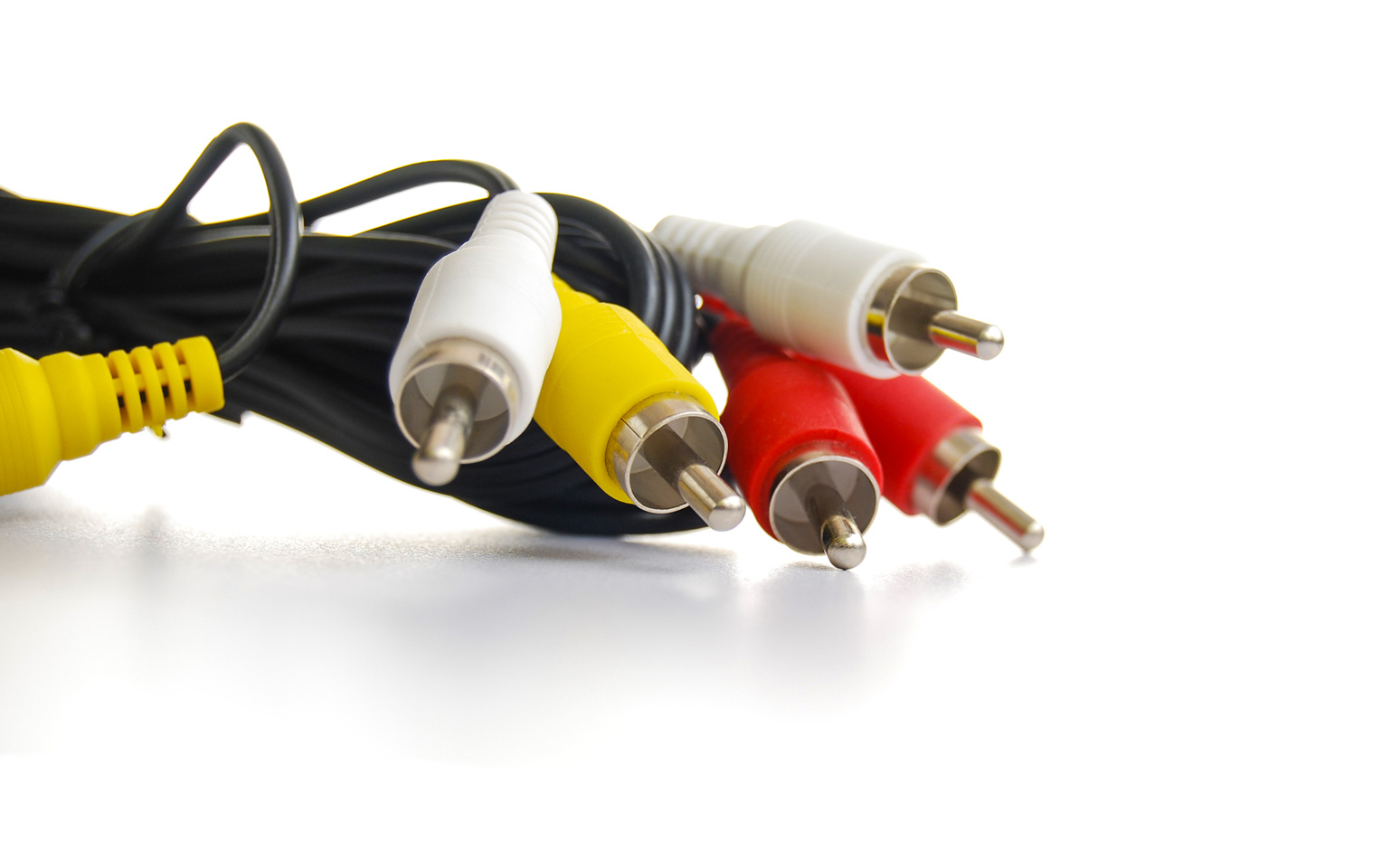 It gets a bit more complicated if the RV has multiple television mounting locations that share a single source. If we have two televisions, both connected to an HDMI output connector but originating at a single HDMI input, we must have a way to split the two cables from the single source. It is common to have a splitter located near the playback device. A splitter is simply a device that takes a single input and splits it into multiple outputs. A splitter can handle different signal and cable types, so RCA A/V inputs and outputs can be distributed the same way. As mentioned earlier, the antenna/cable coax generally is prewired in the RV through a wall plate that serves as both a signal booster and a splitter.
If your RV is prewired for multimedia, first locate the areas where the television(s) are meant to be installed in the RV. In these locations, search for the input wall plates with connectors. Then find the area where the playback device is meant to be located. If you want to utilize park cable or over-the-air TV broadcasts, connect a standard coax cable from your TV to the coax connector on the wall plate. To watch park cable, make sure the antenna booster is turned OFF. This is very important, but unknown or overlooked by many owners. If you want to watch over-the-air TV, turn the booster ON. In both cases, you will need to scan for stations.
If you want to use HDMI, connect an HDMI cable between your TV and the HDMI wall plate. Connect your playback device to the input wall plate connector.
To hook up a satellite system, connect the coax cable at the satellite wall plate coming from your dish to the input coax connector on your receiver. You have to remove the short pigtail in the case of the double-coax connectors. If you have two satellite sources, you can connect both to the receiver. Then connect an HDMI cable between the receiver output and your television or distribution box.
Plenty of variation exists in how RVs are wired for multimedia, but most should be similar to what I described here. Some RVs, particularly older ones, are either not prewired for multimedia or are hardwired with an existing TV, switching device, and playback center. In worst-case scenarios, many RVers simply run cables directly from their televisions to their playback device as is done at home, and then run regular cable coax out an RV window to either their satellite dish or the park cable connector on the park pedestal.
The hope is that this information answers the email author’s question, or at least provides him or her with enough insight to solve the problem. For other readers, I invite you to reach out to FMCA any time you require technical assistance, either by emailing us or by searching the forums. Be sure to include as much detail and information as you can.